Best Thread Border Routers UK 2026: Buyer's Guide
Best Thread Border Routers for UK Matter smart homes in 2026 - Apple TV 4K, HomePod Mini, Aqara M3, Nest Hub Max, SkyConnect, plus practical mesh advice.
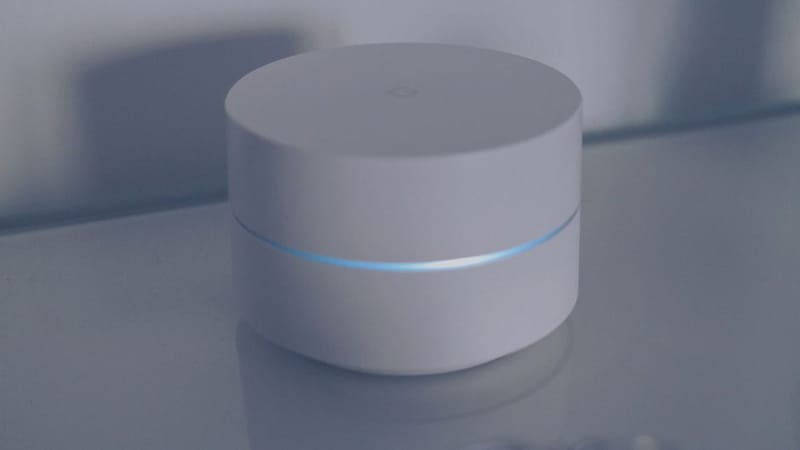

A Thread Border Router (TBR) is the device that bridges your Wi-Fi network and your Thread mesh. Without one, your Thread-based Matter devices - smart locks, contact sensors, motion sensors, the new generation of bulbs - can't talk to your phone or your home hub. Most modern smart homes need at least one TBR; many benefit from two or three for mesh redundancy. The decision matrix isn't 'which is best' so much as 'which fits your ecosystem' - because every major ecosystem has its own TBR sweet spot.
What is a Thread Border Router and why do you need one?
Thread is a low-power wireless mesh protocol designed specifically for smart home devices - battery sensors, smart locks, bulbs, switches. It's IP-based (every Thread device gets an IPv6 address) and self-healing (devices route through each other to extend range). The Thread Border Router is the only Thread-capable device that also speaks Wi-Fi or Ethernet - it's the gateway from your home network to the Thread mesh.
Without a TBR, a Thread-only device is effectively useless to your phone, your smart speaker, or your Home Assistant box. With one or more TBRs, the mesh extends naturally as you add devices (each new mains-powered Thread device acts as a router for nearby battery devices).
The Thread network protocol Wikipedia page covers the technical background; the practical takeaway is that more TBRs = better coverage up to about 4-5 nodes, after which returns diminish.
Which Thread Border Routers can you actually buy in the UK in 2026?
Apple TV 4K (3rd gen, Ethernet) - Apple-first households
HomePod Mini - Apple-first budget pick
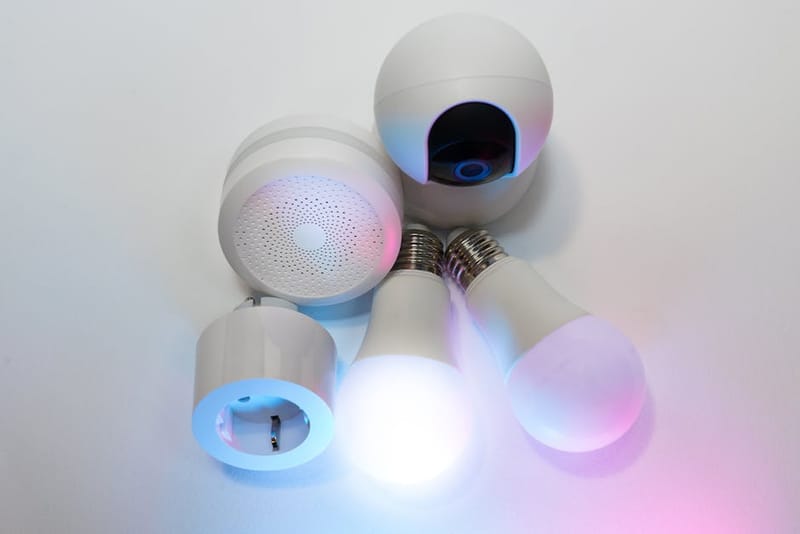
Aqara M3 Hub - SmartThings + HA flexibility
Home Assistant SkyConnect - HA users
Google Nest Hub Max - Google-first households
SmartThings Station - Samsung-first households
How many Thread Border Routers do you need?
The honest answer for a typical UK home (2-3 bedrooms, 1500-2000 sq ft):
- One TBR: Functional. Good if Thread devices cluster around the room with the TBR. Coverage edge cases (basement, conservatory, loft) will struggle.
- Two TBRs: The sweet spot for most UK homes. Put one upstairs, one downstairs, and the mesh covers the whole house reliably. Mix vendors if Matter 1.4+ network sharing supports it (Apple TV + Aqara M3 is a common pairing).
- Three TBRs: Larger homes (4+ bedrooms, multi-storey, or stone-walled). Spread evenly across floors. Diminishing returns past this point.
- Four or more TBRs: Edge case - large rural properties, complex outbuildings, or homes with thick internal walls. Plan placement carefully to avoid mesh fragmentation.
Mains-powered Thread devices (smart bulbs, smart plugs) also act as mesh extenders - so 'how many TBRs' is partly a function of how many mains-powered Thread bulbs you've already deployed. A well-bulbed home can run on a single TBR longer than a sparse-bulbed home of the same size.
Which TBR should you buy by ecosystem?
The simplest framing - one TBR pick per ecosystem:
- Apple Home household: Apple TV 4K 3rd gen (Ethernet) as primary; HomePod Mini as secondary. Both share Thread credentials automatically through HomeKit + Matter 1.4. Avoid mixing in non-Apple TBRs unless you have a specific reason.
- Google Home household: Nest Hub Max as primary; Nest Hub 2nd gen as secondary. Google's TBR support is less mature than Apple's but the Matter 1.4 network sharing means credentials propagate properly.
- SmartThings household: SmartThings Station as primary; Aqara M3 as secondary (Aqara plays well with Samsung). Strong Matter ecosystem support overall.
- Home Assistant household: SkyConnect stick as primary (cheapest and best HA integration). Aqara M3 as secondary for Zigbee bridging + cross-ecosystem flexibility.
- Mixed-ecosystem household: Aqara M3 + Apple TV 4K is the strongest pairing. Aqara handles Zigbee + Thread + Matter, Apple TV handles HomeKit + Thread + media. The two share Thread credentials properly under Matter 1.4+.
How do you set up a Thread Border Router?
Add the TBR to your primary ecosystem first
Apple TV → Apple Home; Nest Hub Max → Google Home; SmartThings Station → SmartThings app. Most TBRs auto-enroll as a TBR once you complete setup - no extra step needed.
Verify the TBR is active
Apple Home: Settings → Wireless. Google Home: Settings → Network. SmartThings: device details. Home Assistant: Settings → Devices → Matter integration. Look for 'Thread Network Active' or equivalent.
Add a Thread device to test
A Thread-only smart plug (Eve Energy, Apple HomePod-attached) or contact sensor (Aqara P2) is the easiest test. Adding it should be seamless once the TBR is active.
Add a second TBR (recommended)
For most UK homes the upstairs / downstairs split works best. Place the second TBR on a different floor or at the opposite end of the property. Matter 1.4+ shares Thread credentials automatically so both TBRs join the same mesh.
Verify mesh health periodically
Apple Home and Home Assistant show Thread mesh health under settings. SmartThings and Google Home expose less detail. Healthy mesh = battery-powered Thread devices reporting reliably with under 5-second response. Patchy mesh = add another TBR or check placement.
Common Thread mesh problems and fixes
The most common UK Thread issues and what to do about them:
- Slow response from Thread devices: Usually under-resourced mesh. Add a second TBR or a Thread-capable mains-powered device (smart plug, bulb) as an extender.
- Thread devices dropping off intermittently: Often pre-Matter-1.4 TBR conflict. Update all TBRs to current firmware so they participate in the shared network properly.
- Can't add a new Thread device: The device is already paired to a different mesh. Reset the device fully (usually 10-second button hold) before re-pairing.
- Thread devices visible in one ecosystem but not another: Matter multi-admin not configured. Re-pair the device through Matter (not native pairing) so all controllers see it.
- Mesh splits across floors: Need another TBR upstairs. The Thread mesh range through ceilings is meaningfully shorter than horizontal range.
Frequently asked questions
Do I need a Thread Border Router if I only have Zigbee devices?
Can I use multiple TBRs from different brands?
Is the cheapest TBR the same as the best TBR?
Will my router replace my TBR eventually?
Does the Aqara M3 work with Apple Home as a TBR?
How do I check if my Thread mesh is healthy?
The bottom line
For most UK households in 2026, two Thread Border Routers is the right answer - one upstairs, one downstairs. The brand combination depends on your ecosystem: Apple TV 4K + HomePod Mini for Apple households, Aqara M3 + SkyConnect for Home Assistant households, Nest Hub Max + Nest Hub 2nd gen for Google households. Mixed-ecosystem households should default to Aqara M3 + Apple TV 4K as the most flexible pairing.
The post-Matter-1.4 TBR ecosystem is genuinely well-functioning - mix brands, place them sensibly, and the mesh extends itself. The hardest part is no longer the technology; it's deciding which ecosystem you're committed to. Once that's settled, the TBR pick follows naturally.
Matter 1.5: What's New for UK Smart Home Users
Matter 1.4: What's New for UK Smart Home Users
Matter over Thread vs Wi-Fi: Which Should You Use?