Unifi Protect Cameras: A Beginner's Buyer's Guide (UK 2026)
Pick the right Unifi Protect camera for your home: indoor vs outdoor, AI vs standard, what NVR you need, and what a complete setup actually costs.
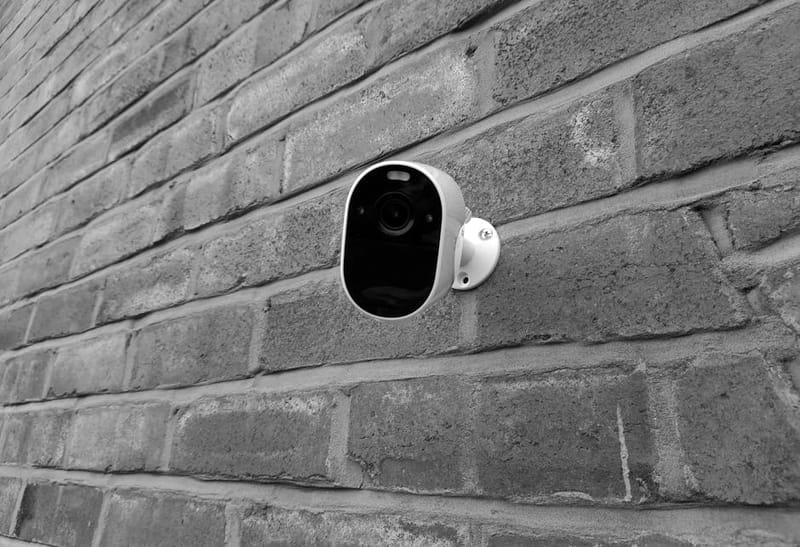

Unifi Protect is Ubiquiti's home security camera system. The pitch is simple: buy the cameras and the storage box once, install them yourself, and never pay a subscription. The catch is that the lineup is genuinely confusing if you've never bought a Unifi product before - there are three camera generations on the shelves at the same time, three different storage approaches, and the official model names ("G5 Pro", "G4 Bullet", "AI Theta") don't tell a beginner which is the right pick. This guide is the plain-English version: what each camera is for, what storage you need, what AI features actually do, and what £600-£1,200 of Unifi gear actually buys you.
How does Unifi Protect differ from Ring, Nest and Arlo?
Three structural differences shape every buying decision here.
Local storage by default. Footage records to a network video recorder (NVR) in your house - a UNVR, a Cloud Key Gen2 Plus, or a Dream Machine, the Unifi all-in-one router that integrates security gateway and network controller, with a hard drive. There's no cloud subscription, and the cameras refuse to phone home with your video. You can opt in to remote viewing through the Unifi mobile app, which routes through Ubiquiti's relay service, but the footage stays local. For people who want home security cameras without sending video clips to a third party indefinitely, this is the whole point.
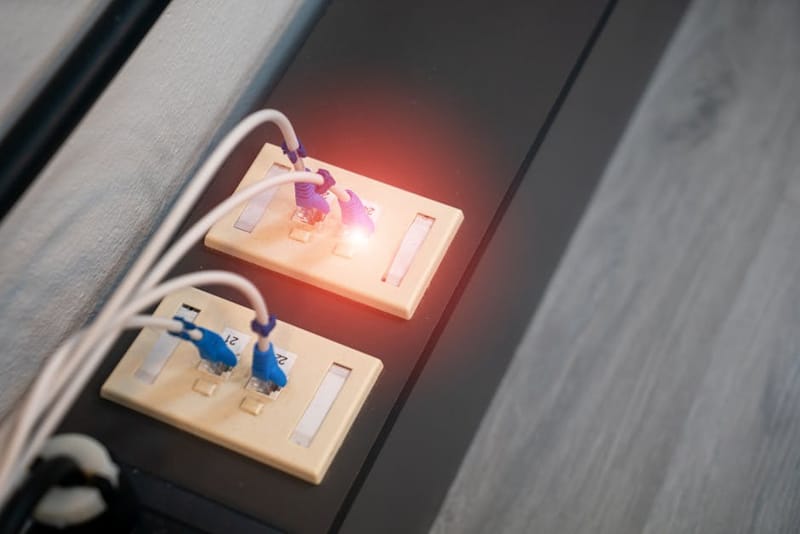
Power over Ethernet (PoE) is the default. Most Unifi cameras run on a single network cable that carries both data and power. You'll need a PoE switch (Unifi makes several, but any 802.3af or 802.3at PoE switch works) or a Dream Machine with built-in PoE ports. There are a couple of wireless/battery models for cases where running a cable is impossible, but the system is structurally wire-first.
The hardware costs more upfront, but the spend stops. A reasonable 4-camera setup with NVR runs £600-£1,000 depending on the cameras you pick. Compare that against £200-300 for a starter Ring kit plus £100-150/year for Ring Protect Plus. Break-even is usually 2-3 years, after which Unifi is purely cheaper. Our Unifi starter kit guide covers the cost breakdown in detail.
How do you decide before picking a UniFi camera?
Four questions narrow the lineup down quickly:
Indoor or outdoor? All outdoor cameras are rated IP65 or better. Indoor cameras tend to be smaller, less weatherproofed, and cheaper. Don't put an indoor camera outside; the warranty will quietly stop applying.
Wired or wireless? Wired (PoE) is the default and what the system is designed around. Wireless models exist (G5 Flex, G4 Instant) but are the exception. If you're already running cables for one camera, run them for all of them.
Do you care about AI detections? Person / vehicle / animal detection works on every recent Protect camera. Smart detections - package delivery, license plate recognition, smart audio identification (smoke alarms, breaking glass) - require an AI-tier camera (G5 AI Pro, AI Theta, AI Bullet) OR a recent NVR with on-board AI inference. The AI cameras are a £150-300 premium per camera vs the standard versions; whether they're worth it depends on whether you actually use those detections day-to-day.
Resolution? 4K is the headline number on the AI Pro and G5 Pro. 4MP / 5MP on the standard Bullet, Dome, and Flex. For most door-monitoring uses, 4K is genuinely wasted - the extra detail comes at the cost of storage space and ends up downscaled on the phone screen you actually view it on. 4MP is fine.
What's in the current UniFi camera lineup (G4, G5, AI series)?
Ubiquiti has been rolling out the G5 generation for a couple of years now, but G4 models are still on shelves at lower prices and they remain perfectly functional. The headline differences are sensor quality (G5 handles low light noticeably better), form factor (G5 has more compact options), and ongoing firmware support (G5 will outlive G4 by several years).
The cameras most home users actually buy
- G5 Flex
- Compact, indoor/outdoor, magnetic mount, 2K. The cheapest credible Unifi Protect camera. Good for adding a corner camera somewhere a chunky bullet would look wrong. ~£90.
- G5 Bullet
- Outdoor bullet, 5MP, IP65, IR night vision. The default outdoor camera for most homes. Runs on PoE, mounts easily, doesn't look ugly on a wall. ~£170.
- G5 Dome Ultra
- Outdoor dome, 4MP, very compact form factor. Better choice than the Bullet when the camera is at eye level and you don't want it visually prominent. ~£190.
- G5 Pro
- 4K outdoor, optical zoom, the premium standard camera. Worth it on long approaches (driveways, gates) where the zoom matters; overkill at the front door. ~£430.
- G5 AI Pro
- 4K with on-board AI for license plates, package detection, smart audio. £200 premium over the standard Pro. Justified if you actually use those detections; otherwise a marketing tax. ~£640.
- G4 Doorbell Pro
- The video doorbell. Two cameras (one for visitor, one for packages on the ground), screen on the front for messages, built-in chime support. Still G4 series - a refresh is rumoured but not shipping. ~£300. Covered in detail in our <a href="/compare/unifi-protect-doorbell-vs-ring-vs-reolink/">Doorbell comparison</a>.
- G4 Instant
- Tiny indoor wireless camera. The exception to the wired rule - runs off WiFi and USB power. Useful as a desk-overview or pet camera. ~£90.
- AI Theta
- Multi-sensor camera (modular lenses you mix and match for different angles). Niche - useful for businesses with complex coverage needs. Most home users don't need this. ~£500+ depending on configuration.
Storage: UNVR, Cloud Key, or Dream Machine?
Every Unifi Protect setup needs a place to store the recordings. Three viable options:
Dream Machine Pro / Pro Max with HDD installed - the simplest setup. Your gateway, switch, WiFi controller, and Protect NVR are all in one device. Add a 4TB or 8TB hard drive and you're done. The right choice for most new home setups; it's also what our beginner setup guide assumes. ~£500-700 for the gateway + drive.
UNVR (4-bay) or UNVR Pro (7-bay) - dedicated NVR appliance, more storage capacity, lets you run a separate Cloud Gateway (Dream Router etc.) without bottlenecking on the gateway's CPU for AI inference. The right choice if you'll have more than 6-8 cameras or you want to spec the AI inference appliance separately. ~£300 + £80-200 for drives.
Cloud Key Gen2 Plus - small standalone device with a single 1TB HDD already in it. Cheaper, simpler. Fine for 2-4 cameras. Increasingly being phased out in favour of the integrated Dream Machine route. ~£250.
For storage sizing, the rule of thumb: 1TB stores about 10-14 days of continuous recording from one 4MP camera at sensible settings. If you record on motion only rather than continuously, you can multiply that by 5-10x. Most home setups land on 2TB-4TB of storage for 4 cameras and never run out.
Which AI detections are free vs paid?
The marketing pages around Unifi Protect's AI features are intentionally vague. Here's the actual breakdown:
Person / vehicle / animal detection - works on EVERY current Protect camera (G4, G5, AI series) when the NVR is a Dream Machine Pro or any model with the AI Inference engine. Reliable and broadly useful.
License plate recognition - requires an AI-tier camera (AI Bullet, AI Pro, AI Theta) OR an AI Key plugged into a compatible NVR. Works well but accuracy depends heavily on camera angle and lighting; pointing a standard camera at a driveway and hoping is not enough.
Package detection - same: AI camera or AI Key. Lets you get notified when a delivery driver leaves something at your door rather than just "motion detected".
Smart audio detection - smoke alarms, breaking glass, dog barking, baby crying. Requires AI camera; not yet supported on the AI Key for standard cameras.
Face recognition - exists but is more privacy-fraught than the others. Off by default; opt-in per camera; stored locally only.
If you only need person/vehicle/animal alerts (which covers 80% of what home users actually want), the standard G5 Bullet at £170 is fine - you don't need the £640 AI Pro. The premium AI features are useful for specific use cases (driveway with regular deliveries, gate monitoring with car identification) and decorative for most others.
What privacy considerations should you know?
Three points to be explicit about:
Footage stays local by default. Cameras stream to your NVR via the LAN; the NVR holds the footage. Ubiquiti's cloud service doesn't see your video. If you enable remote viewing in the Unifi app, the connection goes through Ubiquiti's relay servers but the relay is end-to-end encrypted and they don't keep the content.
The app needs an account. You'll create a Ubiquiti SSO account during setup. The account is used to authorise the mobile app against your NVR. Use a unique password and enable 2FA - these accounts have been hit by credential-stuffing attacks (so has every smart-home vendor), and the consequence of a compromised Ubiquiti account is access to your camera feeds.
Face recognition opt-in matters. If you turn on face recognition you're storing facial fingerprints (locally). That's fine for many households but worth being deliberate about, especially if children or live-in carers are in scope. There's no requirement to use the feature; it's off by default.
What does a reasonable 4-camera starter setup look like?
Worked example for a typical UK semi-detached house:
Dream Machine Pro Max + 4TB HDD - gateway, switch, AI inference, NVR all in one. ~£700.
G5 Bullet at the front of the house - covers driveway, front door area. ~£170.
G4 Doorbell Pro at the front door - the actual doorbell, with package-view camera. ~£300.
G5 Bullet at the rear of the house - covers garden, back gate. ~£170.
G5 Flex in the loft / detached garage - bonus indoor camera for a high-risk-low-priority space. ~£90.
Cables, wall mounts, conduit - Cat6 cable + outdoor-rated boxes. ~£60.
Total: roughly £1,490 one-time. Compare against a Ring kit at £250 + Ring Protect Plus at £100/year = £550 over 3 years, £850 over 6 years. Unifi crosses over at year 6 in pure cash terms - but you also get materially better cameras (G5 sensors beat Ring's at low light), local storage, and no vendor-lock-in. The Ring kit isn't wrong for many households; the cost story just isn't as one-sided as it looks at first glance.
Frequently asked questions
Can I use Unifi Protect cameras without a Unifi router/gateway?
Do I need to use the Unifi app for everything?
Will Unifi Protect work with Apple HomeKit or Google Home, Google's smart home ecosystem and companion app for Nest devices,?
What happens if my Unifi NVR dies?
Can I start small and add cameras later?
Best Unifi Gear for Home: UK Starter Kits 2026
Unifi Protect Doorbell vs Ring vs Reolink
Is Unifi Worth It for Home? A Plain-English Guide
Pi-hole or AdGuard Home on a Unifi Network
Ready to commit to Unifi?
Start with the starter-kit guide for the hardware shopping list - exactly what to buy first.