Local LLM for Smart Home UK 2026: The Privacy-First Setup
Local LLM (Ollama + Whisper + Piper) for Home Assistant 2026. Hardware from £100 Pi 5 to £250 Mini PC sweet spot. Privacy, latency, vs cloud.
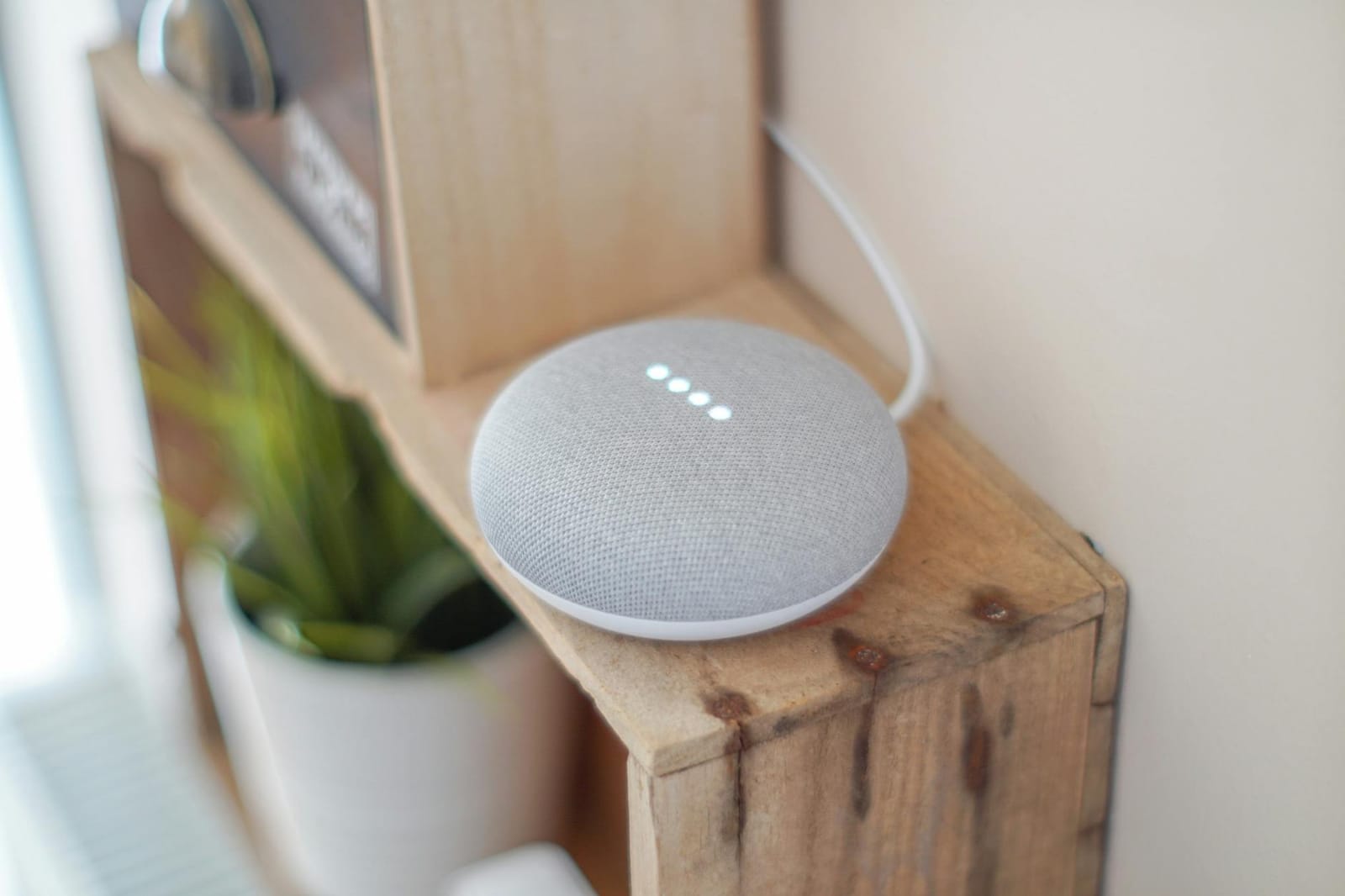

Until 2024, running a smart home meant accepting that everything you said to your voice assistant got sent to Amazon, Google or Apple's servers, processed there, and metadata about it stored in a way you couldn't audit. As of 2026, you can swap that whole stack for software that runs on a £150 Mini PC in your hallway cupboard - and the experience is genuinely usable for the routines that matter. This post walks through what 'local LLM for smart home' actually means in practice in 2026, what hardware tier you need, where it still falls short of cloud assistants, and how to decide whether it's worth the effort for your setup.
What does a local LLM do in a smart home?
The job is to turn spoken commands like 'turn off the kitchen lights and set the bedroom thermostat to 20' into Home Assistant actions, without any of that audio leaving your home. To do that, three pieces of software work together:
- Whisper (or its cousin Speech-to-Phrase) - OpenAI's open-source speech-to-text model, which Home Assistant runs via the Wyoming protocol. Converts your voice to text.
- Ollama (running an LLM like Llama 3.1 8B, Phi-3 Mini, or the Home Assistant-tuned
fixt/home-3b-v3) - this is the brain. It interprets the text command and decides what Home Assistant entities to call. - Piper - the open-source neural text-to-speech engine that reads the LLM's response back to you, also via Wyoming.
Home Assistant's Assist pipeline glues these three pieces together. You speak to a Home Assistant Voice Preview Edition puck, your existing ESPHome satellite, or just the Home Assistant mobile app, and the pipeline runs the audio through Whisper, the resulting text through Ollama, and the LLM's response back through Piper - all on the local network, no cloud round-trips.
How much hardware do you actually need?
Latency is the make-or-break factor here. A voice assistant that takes 8 seconds to respond feels broken; one that takes under 2 seconds feels production-ready. Hardware-tier guide for 2026:
| Tier | Hardware | Models | End-to-end latency | UK cost |
|---|---|---|---|---|
| Entry | Raspberry Pi 5 (8 GB), Home Assistant Green + USB Coral | Phi-3 Mini 3.8B + Whisper tiny | 5-8 seconds | £100-£150 |
| Mid | Refurbished Intel NUC / Lenovo M710q / Mini PC (Intel N100+, 16 GB RAM, NVMe SSD) | Llama 3.1 8B Q4 or fixt/home-3b-v3 + Whisper small | 2-4 seconds | £150-£250 |
| Performance | Mac Mini M5 (24 GB) | Llama 3.1 8B + Whisper small on Apple Silicon | 1-1.5 seconds | £800+ |
| Enthusiast | Desktop with NVIDIA RTX 3060 12 GB GPU | Llama 3.1 8B + Whisper small/medium | 1-2 seconds | £500-£1,000 |
The mid tier is where things get interesting. A refurbished Lenovo M710q on eBay UK for around £120 with 16 GB RAM and an NVMe SSD will run Ollama with Llama 3.1 8B (quantised to 4-bit) at 5-10 tokens per second on CPU only, which is fast enough for short voice commands. Pair it with a Coral USB accelerator (~£65) for Whisper acceleration and you're at ~2-4 second voice response - the threshold where it stops feeling sluggish.
The two software changes that made entry-tier voice viable in 2025 were Piper Voice Chapter 10 (June 2025) introducing streaming TTS - the response audio starts playing before the LLM has finished generating the full text - and the home-3b-v3 fine-tune from fixt on Ollama, which is a 3-billion parameter model trained specifically to call Home Assistant tools rather than generate prose. Both knock several seconds off perceived latency without buying new hardware.
Is local LLM accurate enough for daily use?
For the smart-home use case (light/lock/thermostat/scene control, simple multi-step routines, asking the time or weather), yes - particularly with the home-3b-v3 model which is fine-tuned on Home Assistant tool-calling examples. For general questions ('what's the capital of Bolivia', 'what year did England win the World Cup'), local 3-8 billion-parameter LLMs are notably less accurate than GPT-4-class cloud models, which sit at hundreds of billions of parameters and have been fine-tuned more aggressively for general knowledge.
The honest framing: local LLM is excellent at the 80% of voice queries that are home-control commands, and competent for the next 15% (timers, music control, weather), and worse than Alexa/Google for the last 5% (open-ended knowledge questions). If your voice-assistant usage is dominated by smart-home control - which most home-automation enthusiasts is - local LLM is genuinely a better experience than the cloud assistants because the privacy story is cleaner, you're not subject to feature changes the vendor pushes, and offline-resilience is real.
What about privacy?
This is the headline reason people switch. Cloud voice assistants upload audio to the vendor, transcribe it there, run intent classification, and store both audio and transcripts (Amazon and Google have been documented retaining recordings for years, with significant overlap between 'training data' and 'human review' depending on settings the user often can't audit). Local LLM uploads nothing - the audio never leaves your LAN, the transcript exists only on the box you control, and you can delete the entire conversation history with rm -rf on a directory.
The trade-off: you own the privacy story but you also own the operations story. When the model gets stuck or the Whisper transcription quality drops, there's no vendor support engineer to call - you're reading GitHub issues. For most home-automation enthusiasts who already maintain Home Assistant Core, the support overhead is acceptable; for households where the smart-home setup is shared with non-technical family members, the cloud assistants' polish and reliability sometimes outweighs the privacy advantage.
Are there any limitations vs cloud assistants?
Three real ones, worth knowing before you commit:
- Wake-word accuracy. Local wake-word models (microWakeWord, openWakeWord) are catching up to but not yet matching Amazon's Alexa wake-word recognition, particularly in noisy environments. A whining child or a TV at normal volume will trigger more false negatives.
- Multi-room audio. Spotify Connect, Apple AirPlay 2, multi-room synchronised playback - all things Alexa and Google Home do natively are still rough on a local setup. The official Home Assistant Voice Preview Edition puck only does voice; multi-room audio with local control still typically means a separate Squeezebox-style stack.
- General knowledge questions. As above - 'what time is the next train', 'how do I make a martini', 'what's the population of Wales' are notably worse on a 3-8 billion parameter local model than on GPT-4 or Gemini 2.
None of these is a deal-breaker for a privacy-first home-automation setup, but they're the questions to ask before you commit.
How do you actually set it up?
The official Home Assistant documentation on setting up a fully local voice assistant walks through it end-to-end, but the high-level path is:
- Get a Home Assistant instance running on capable hardware (Mini PC for the mid tier - see our separate Local LLM on Raspberry Pi 5 guide for the entry tier).
- Install the Whisper, Piper, and Ollama add-ons (Whisper and Piper are first-party Home Assistant add-ons; Ollama runs on the host or as a Docker container).
- Pull a model in Ollama -
ollama pull fixt/home-3b-v3for the Home Assistant-tuned model, orollama pull llama3.1:8b-instruct-q4_K_Mfor general use. - In Home Assistant, go to Settings -> Voice assistants and create a new Assist pipeline using Whisper for STT, Ollama for the conversation agent, and Piper for TTS.
- Test in the Assist UI inside Home Assistant before deploying to a satellite (Home Assistant Voice Preview Edition puck, ESPHome satellite, or just your phone).
Total setup time once you have the hardware: an evening for someone comfortable with Home Assistant add-ons and Docker; a weekend if you're learning Home Assistant at the same time.
Should you actually do this in 2026?
Yes if: you value privacy or offline-resilience over polish; you're already running Home Assistant and comfortable troubleshooting Docker / add-on issues; your voice usage is primarily smart-home control; or you specifically want to stop your assistant supplier from training on your audio.
Probably not yet if: you rely heavily on general-knowledge questions, music search by mood, or multi-room synchronised playback; you share the assistant with non-technical family members; or you don't want to spend an evening on initial setup. Cloud assistants are still better at all three things.
Maybe in the entry tier: if you want to try local LLM without spending much, run it on a Raspberry Pi 5 with the Home Assistant Voice PE puck and Phi-3 Mini. It works, just slowly - 5-8 second latency is liveable for opt-in 'hey, turn off all the lights' commands but will frustrate you on quick interactive use.
For ready-made prompt ideas to drive a smart-home assistant, see our collection of ChatGPT prompts for the smart home.
What hardware do I need for a local LLM smart home setup?
Which Home Assistant version added Ollama integration?
Is local LLM as accurate as Alexa or Google for smart-home commands?
How private is a local LLM voice assistant really?
Will a local LLM work if my internet drops?
Want the budget-tier walkthrough?
Our Raspberry Pi 5 setup guide covers the entry-tier hardware in detail - benchmarks, install steps, power costs.